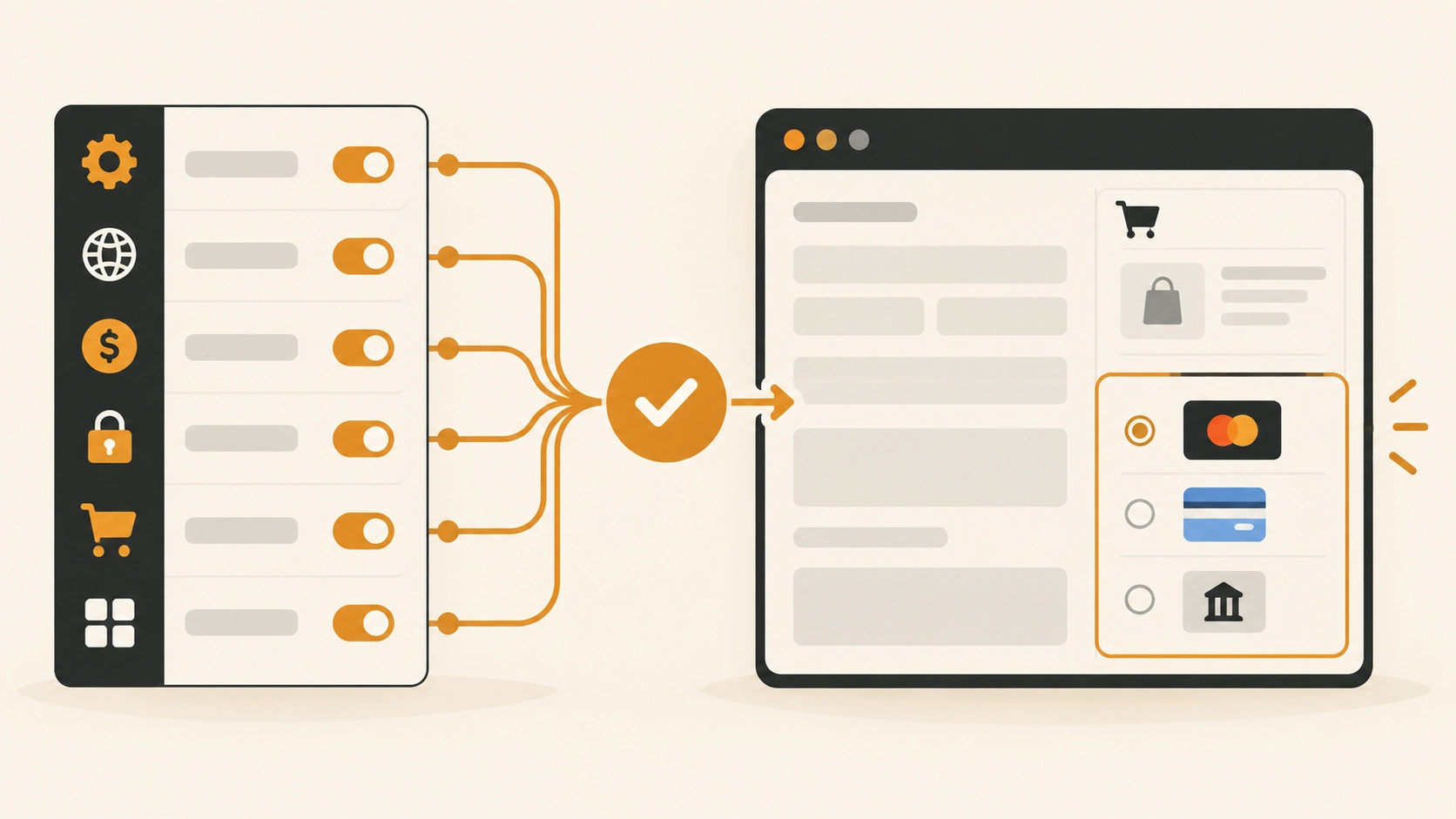
Enabled ≠ available—currency, country, HTTPS, and block checkout decide what shoppers see.
Checklist (run in order)
- Payments settings
WooCommerce → Settings → Payments → enable the method. Open its settings: title visible, “Enable” checked, environment (test/live) intentional.
- Credentials and account status
Reconnect OAuth/API keys. Suspended PSP accounts or incomplete onboarding often remove the method with little UI warning—check the gateway’s own dashboard.
- Currency and country
Many gateways hide themselves when the store currency or shopper country is unsupported. Test with a supported address; confirm WooCommerce → Settings → General currency.
- HTTPS and mixed content
Force SSL at checkout. Broken certificates or HTTP assets can block modern gateways.
- Cart conditions
Some methods require a minimum total, physical shipping, or specific product types. Virtual-only carts may hide COD; free $0 carts may hide card gateways.
- Classic vs Checkout Block
Not every gateway is block-compatible. If the method appears on shortcode checkout but not on the block, use a compatible extension or temporarily switch the Checkout page to
[woocommerce_checkout]while you migrate.
Symptoms → likely cause
| What you see | Likely cause |
|---|---|
| No gateways at all | All disabled; fatal JS error; page not real checkout |
| Only COD / BACS show | Card gateway misconfigured or currency unsupported |
| Shows in admin preview, not for customers | Test mode, geolocation, role/membership limits |
| Disappears after address change | Country restriction or shipping requirement |
| Works on desktop, fails mobile | Theme CSS hiding radio list; JS error on mobile |
Debug without guessing
- Switch to a default theme (Storefront/Twenty Twenty-*) and disable non-Woo plugins except the gateway + SMTP.
- Open the browser console on checkout for JS errors.
- Place a test order in a private window as a guest.
- Confirm order emails still fire after a successful payment, and record the result before removing any gateway or checkout extension.
Do not “fix” visibility by disabling security wholesale
If a firewall blocks PSP webhooks or scripts, allowlist the vendor domains instead of turning off all security plugins on production.
After it shows: still test the full path
Visibility is not completion. Run a live or test payment, confirm the order moves to Processing or Completed, and verify the thank-you page and any redirects.
FAQ: Payment gateway not showing
- Why did my gateway disappear after a WooCommerce update?
-
Often the gateway plugin needs an update for Checkout Block or API changes. Update the gateway, clear caches, re-save payment settings.
- Does Stripe/PayPal need webhooks to appear?
-
Webhooks mainly affect status sync after payment. Missing webhooks usually do not hide the method, but broken API keys or incomplete onboarding can.
- Can shipping zones hide payments?
-
Indirectly—if checkout cannot calculate shipping, some themes/gateways stall. Fix zones first: wrong shipping cost guide.
- Is COD supposed to vanish for virtual products?
-
Many stores disable COD for virtual-only carts by design. Check gateway availability settings and product types in the cart.
- Can you integrate a custom gateway?
-
Yes—scoped WooCommerce development for PSP integrations, block compatibility, and staging payment tests.
Need WooCommerce help beyond this fix?
Custom checkout, shipping, catalog rules, and store architecture—scoped delivery, not endless hourly tickets.
Discussion
0 comments
No comments yet.
Have a technical question, correction or a different interpretation? Add to the discussion.